Riggott IMS is a cloud-based smart app that allows your company to handle, control and automate all your business information. This uniquely designed system will strengthen; help you bring onboard new processes.
The Job Overview page can be accessed from the main job menu, job search or a completed DRS.
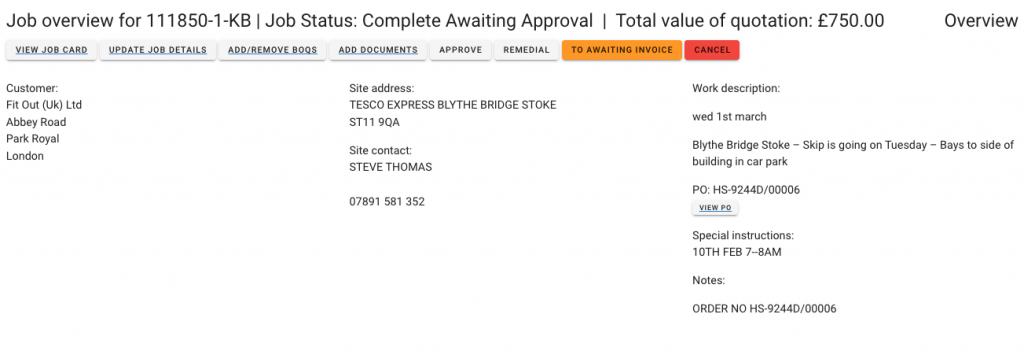
The Overview page opens with all the job details:
- Customer and address
- job site address
- Site contact
- Site contacts phone number
- Work description
- Work date
- Purchase order number (PO)
- Any special instructions or notes?
Job Overview screen
Job Overview BOQs
Below the top job section information, you will scroll down to see Minimum charges and BOQs.
The BOQ is split into two sections:
- BOQs from quotation
- BOQs from DRS
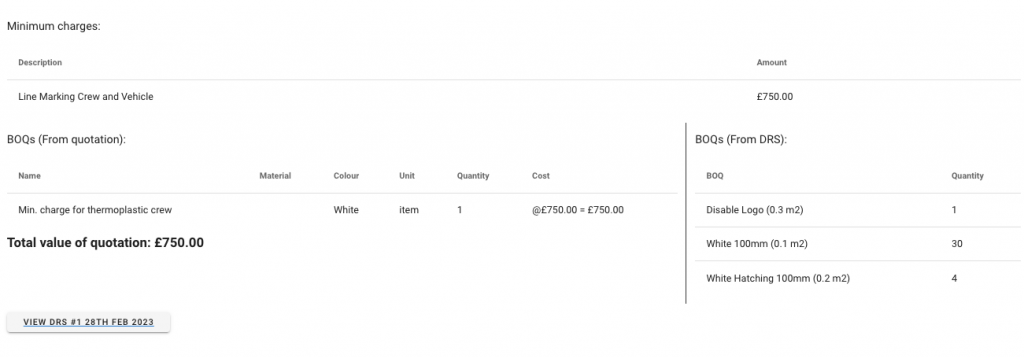
BOQs directly from the quote include the quantities and costs.
The BOQs from the DRS are accumulative. So, if DRS#1 has one disabled logo and DRS#2 has two disabled logos, then the value shown under BOQs (From DRS) would be three.
BOQs from the DRS cannot show values, and the BOQ list used by the crews when completing a DRS is a job bonus list, not a quote BOQ list.
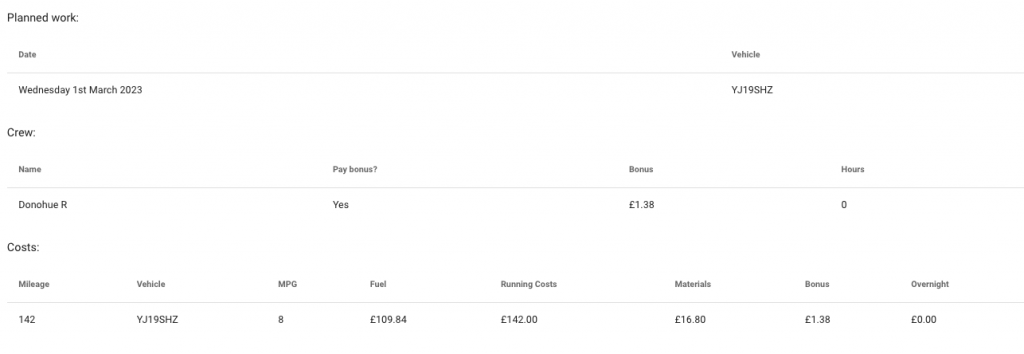
As you scroll down, the next section shows the planned work, job dates, vehicles and crew members, including hours and bonuses (Calculated from the BOQs (from DRS) bonus list.
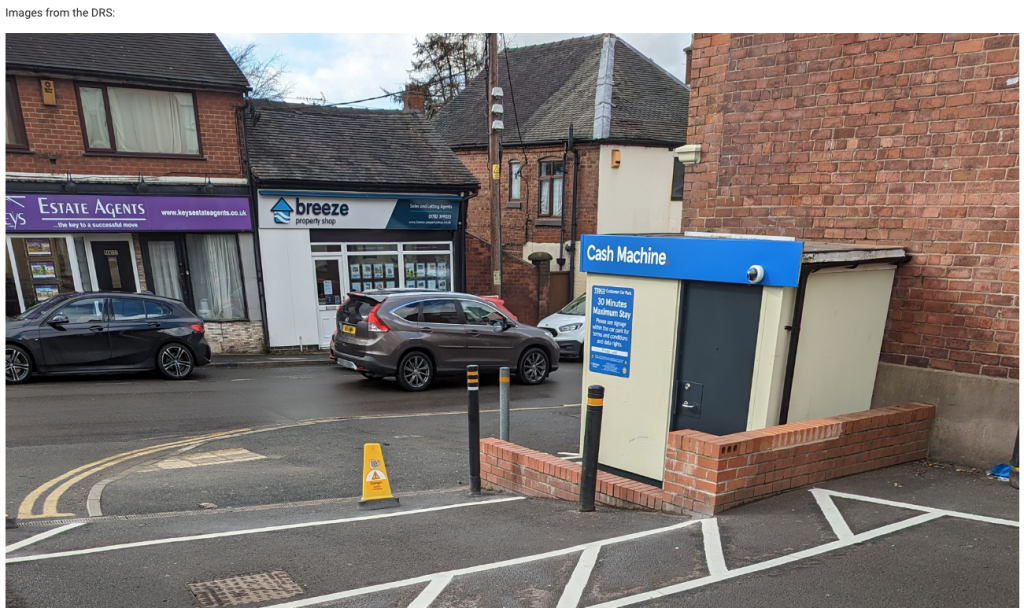
At the end of the Job Overview page, you will find the job photos the crews uploaded as part of the DRS.