Riggott IMS is a cloud-based smart app that allows your company to handle, control and automate all your business information. This uniquely designed system will strengthen; help you bring onboard new processes.
The holiday planner allows administrators to book holidays, sick days and other allocated absences.
To access the Attendance Planner, click Admin from the main user menu and click personnel.
Below All Personnel, you will see the button ‘Attendance Planner.’
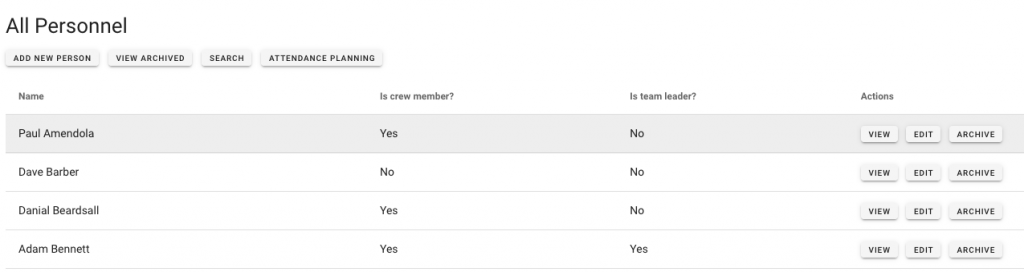
Click ‘Attendance Planner’ to access the planning board.
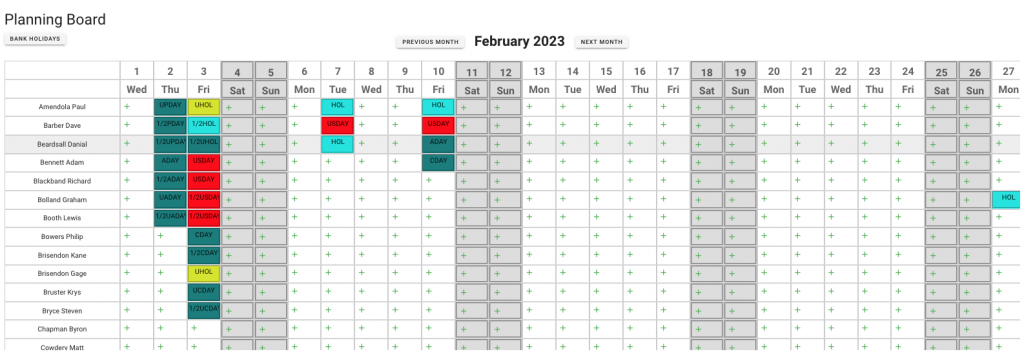
The attendance planner is a grid with personnel on the left and the days of the week/month across the top.
To add a new attendance record for that person and the relevant day, click the green +
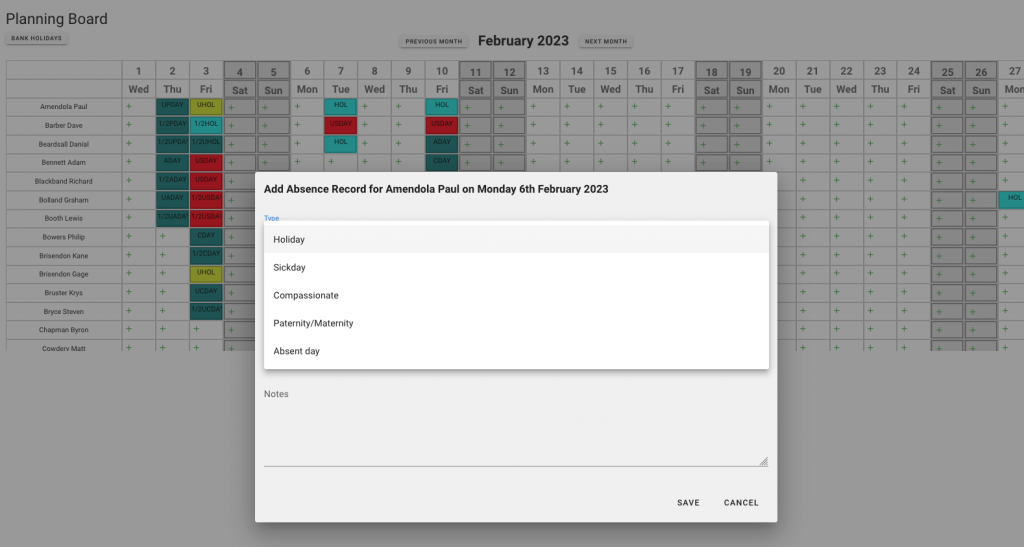
Use the pre-populated information to select a record and fill in the required fields before saving.
You can use the Cancel button at any time, which will close the form and clear out the data.