Riggot IMS is a cloud-based smart app that allows your company to handle, control and automate all your business information. This uniquely designed system will strengthen; help you bring onboard new processes.
Employees are the most valuable assets an organisation has. Their abilities, knowledge, and experience can’t be replaced. So, we need to place emphasis and importance on the contribution that employees that they have to propel themselves ahead.
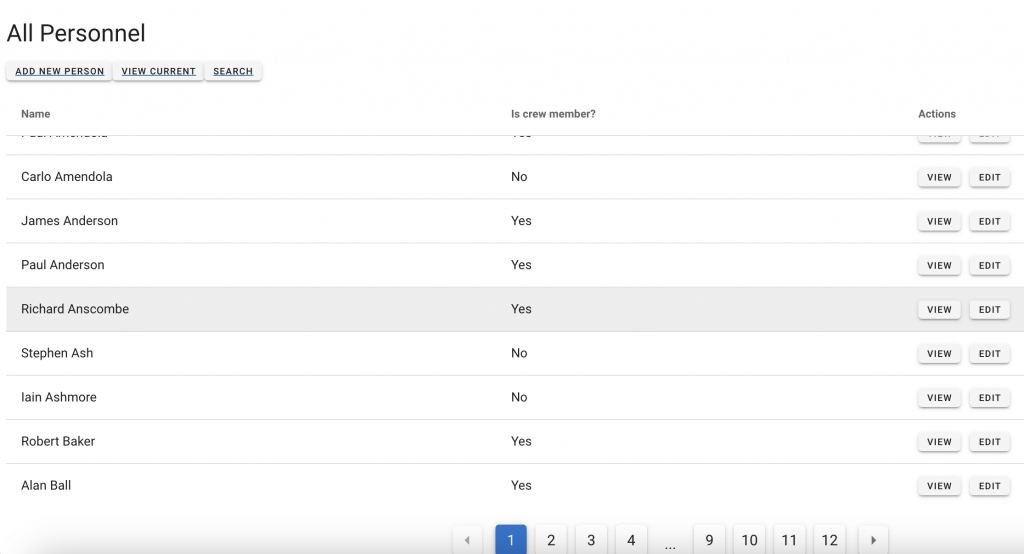
To access the Personel module, click Admin Personnel.
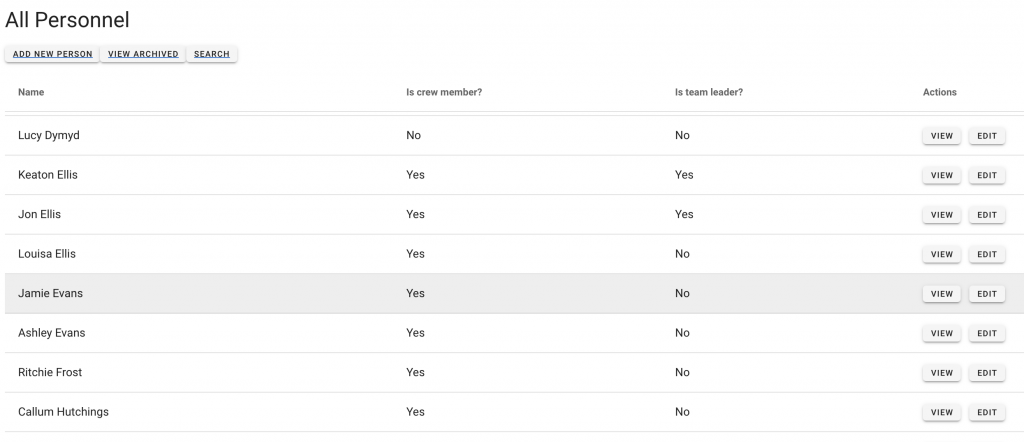
Buttons provide access to:
- Add New User
- View Archived Users
- Search User
- View User information
- Edit user information
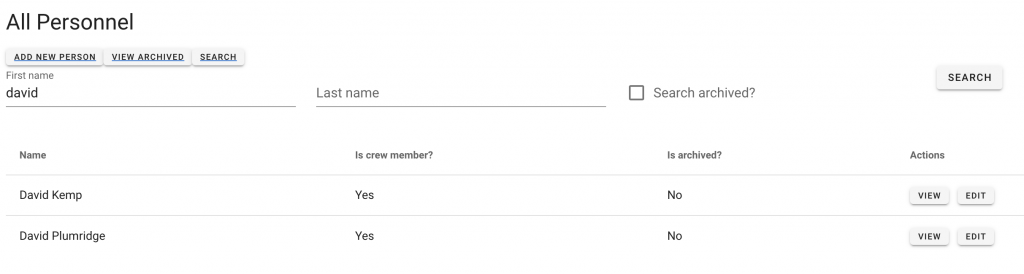
Search users
Search all users by clicking ‘Search’. You need three or more characters to search person successfully.
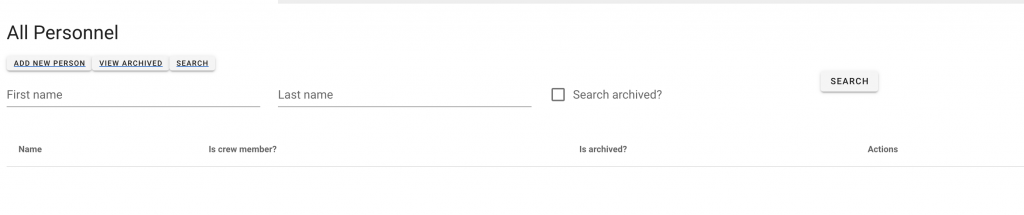
Search options include:
- First name
- Last name
Click ‘Search Archived if you require to search current and archived users.
Crew Member
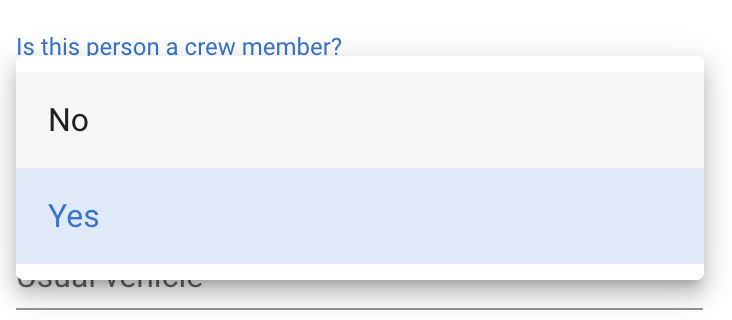
Users have settings under the edit menu enabling the worker to be set as a crew member.
If a user is selected as a crew member, this will make them available for use on the planning boards and completing DRS (Daily Return Sheets)
Edit a User
To update a user, click Edit on the right-hand side to access the edit menu.
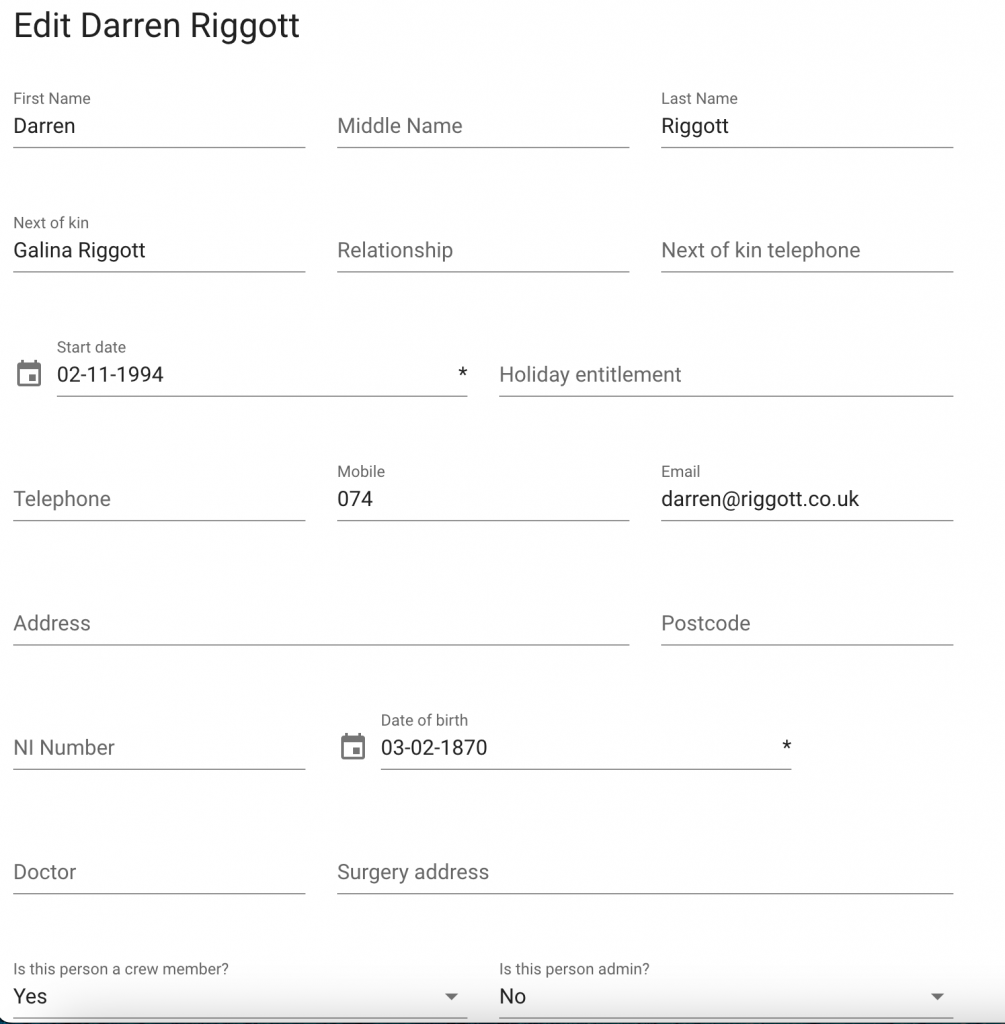
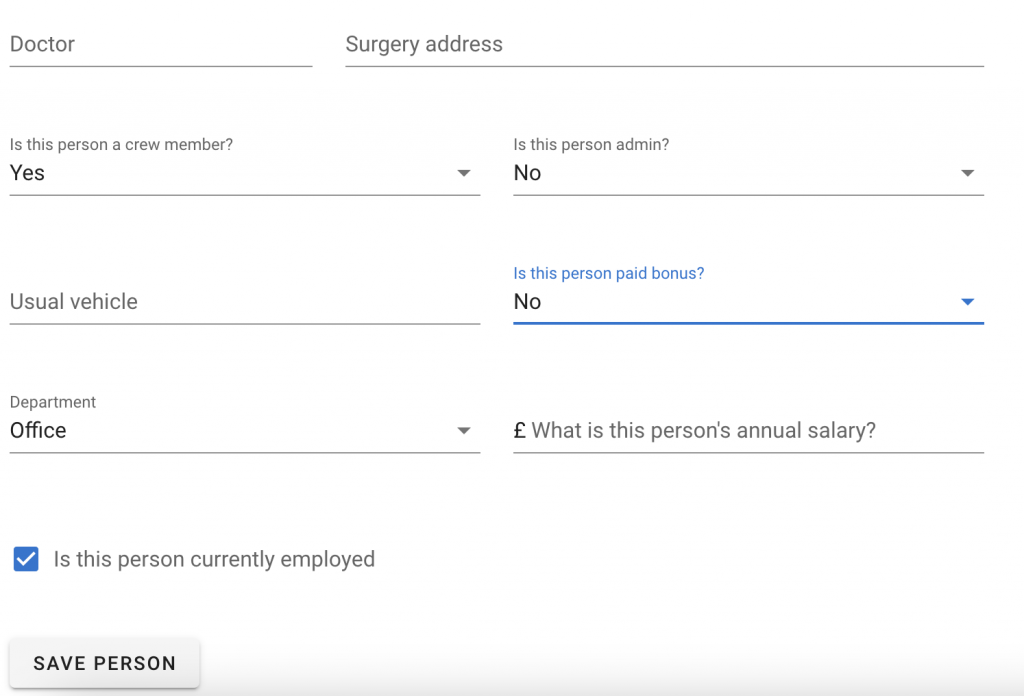
Enter details, and use prepopulated options and calendar pickers for dates.
Once the updates are complete, click Save Person at the bottom of the page.
Add New User
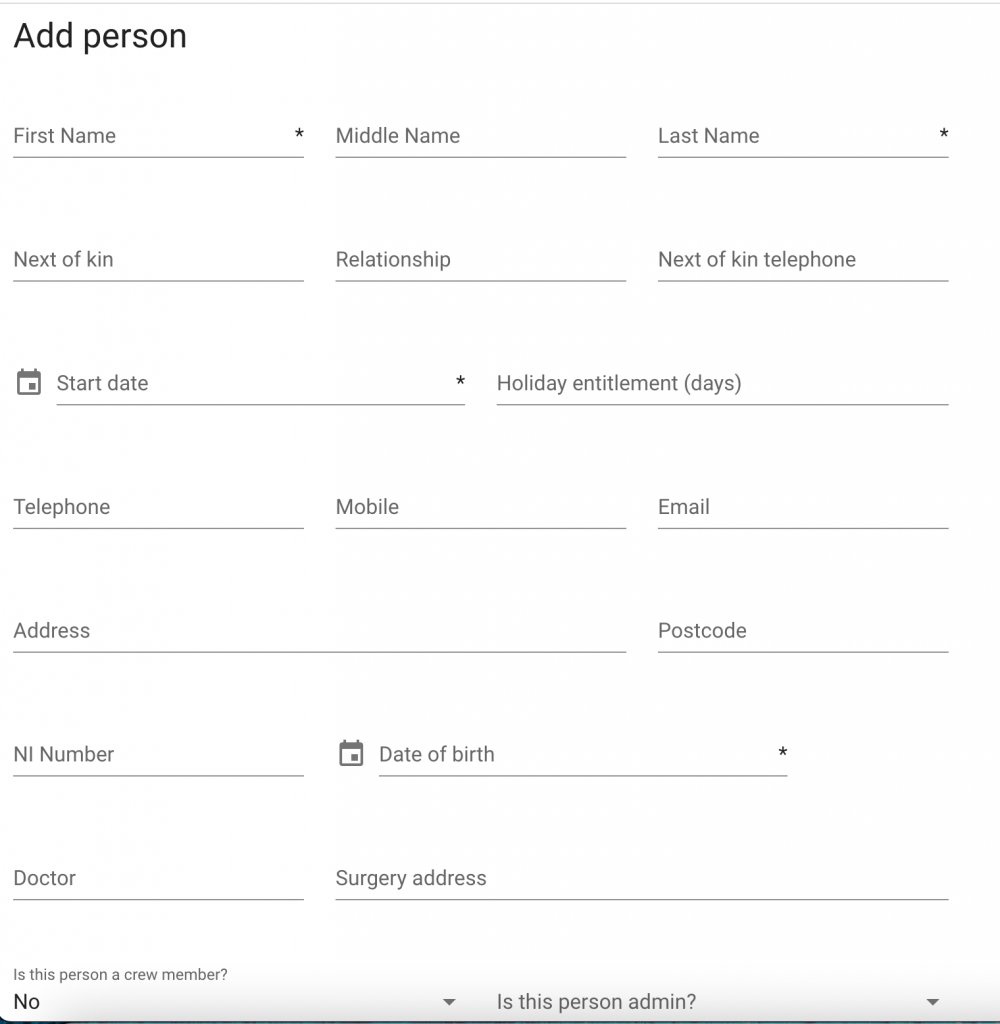
Click Add New user from the primary admin personnel menu to add a new employee.
Archived Users
Current & Archived Users
From the main personnel menu, click View Archived Users to view all archived users.
Once you click Archived users, you can click back to the current user list by clicking View Current’ Users..