Riggot IMS is a cloud-based smart app that allows your company to handle, control and automate all your business information. This uniquely designed system will strengthen; help you bring onboard new processes.
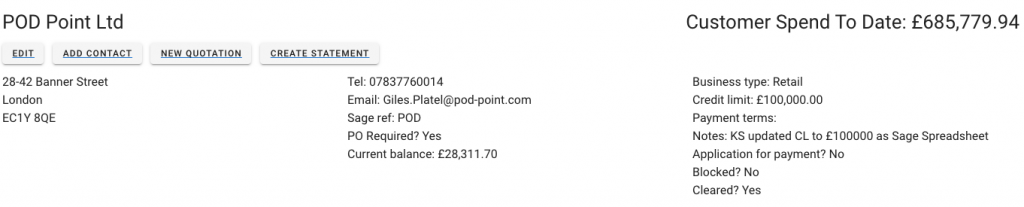
You can create customer finance statements from the customer profile by clicking on ‘Create Statement.’
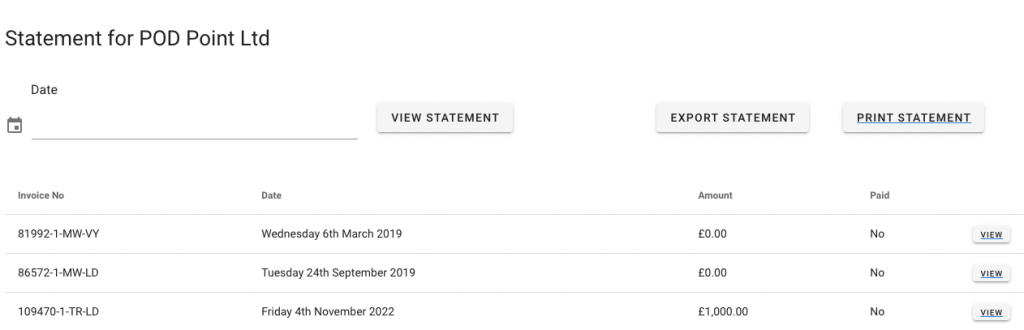
When you click Create Statement, you will be taken to the date and invoice page.
Print Statement
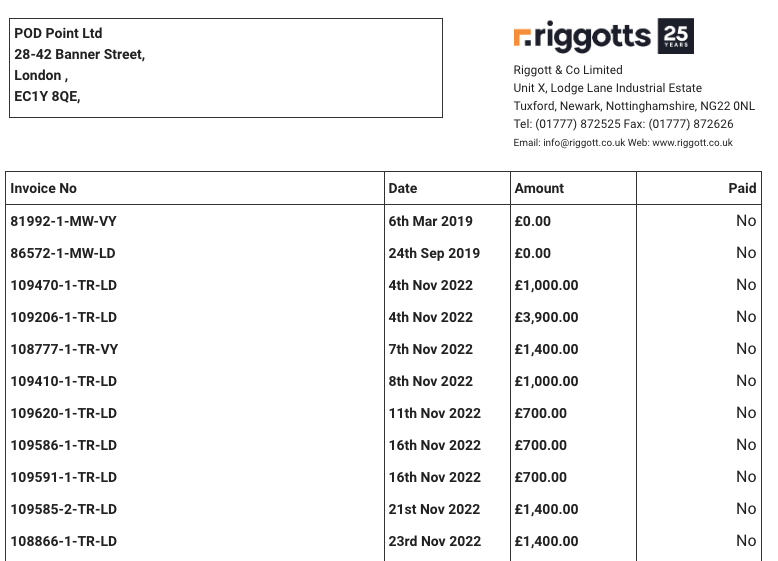
The print statement function will show you your selection, including headers and footers for sending to the customer upon request.
The default print view includes data fields:
- Company Name and address
- Invoice No
- Invoice date
- Invoice amount
- Invoice amount paid (Yes/No)
Export Statement
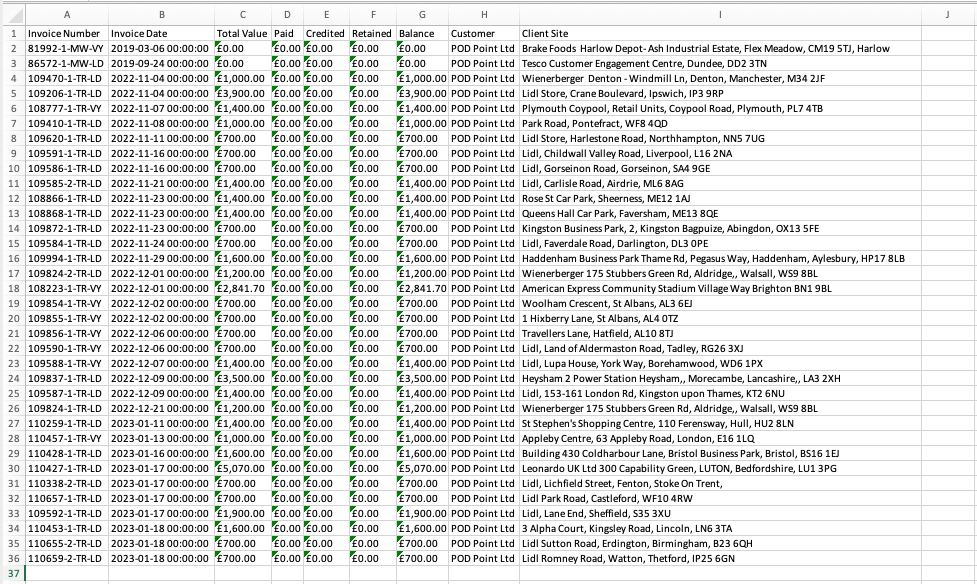
The export statement function will show you your selection in CSV (Comma Separated Values). You will be able to open it in Microsoft excel or apple numbers.
The CSV file may show in your screen window or as a file in your downloads folder, depending on your browser settings.
CSV export contains more fields of data:
- invoice Number
- Invoice Date
- Total Value
- Paid
- Credited
- Retained
- Balance
- Customer
- Client Site